Bandwidth
Written By Anand Raj
Last updated 2 months ago
Bandwidth is one of the fastest ways to get your AI agent a working phone number. Kickcall provisions a dedicated number for you through Bandwidth, one of our supported number providers — no external carrier account, no SIP setup, and nothing to configure outside of Kickcall.
Once your number is active, you can either use it directly as your agent's line, or forward calls to it from a business number or PBX extension you already have.
Prefer to use a carrier you already manage? If you'd rather connect a phone system, PBX, or carrier account you already have, see the SIP Connectivity guide, which covers bringing your own carrier (BYOC).
Step 1 — Activate your number
Go to Configure → Connect Phone.
Select Connect with Bandwidth.
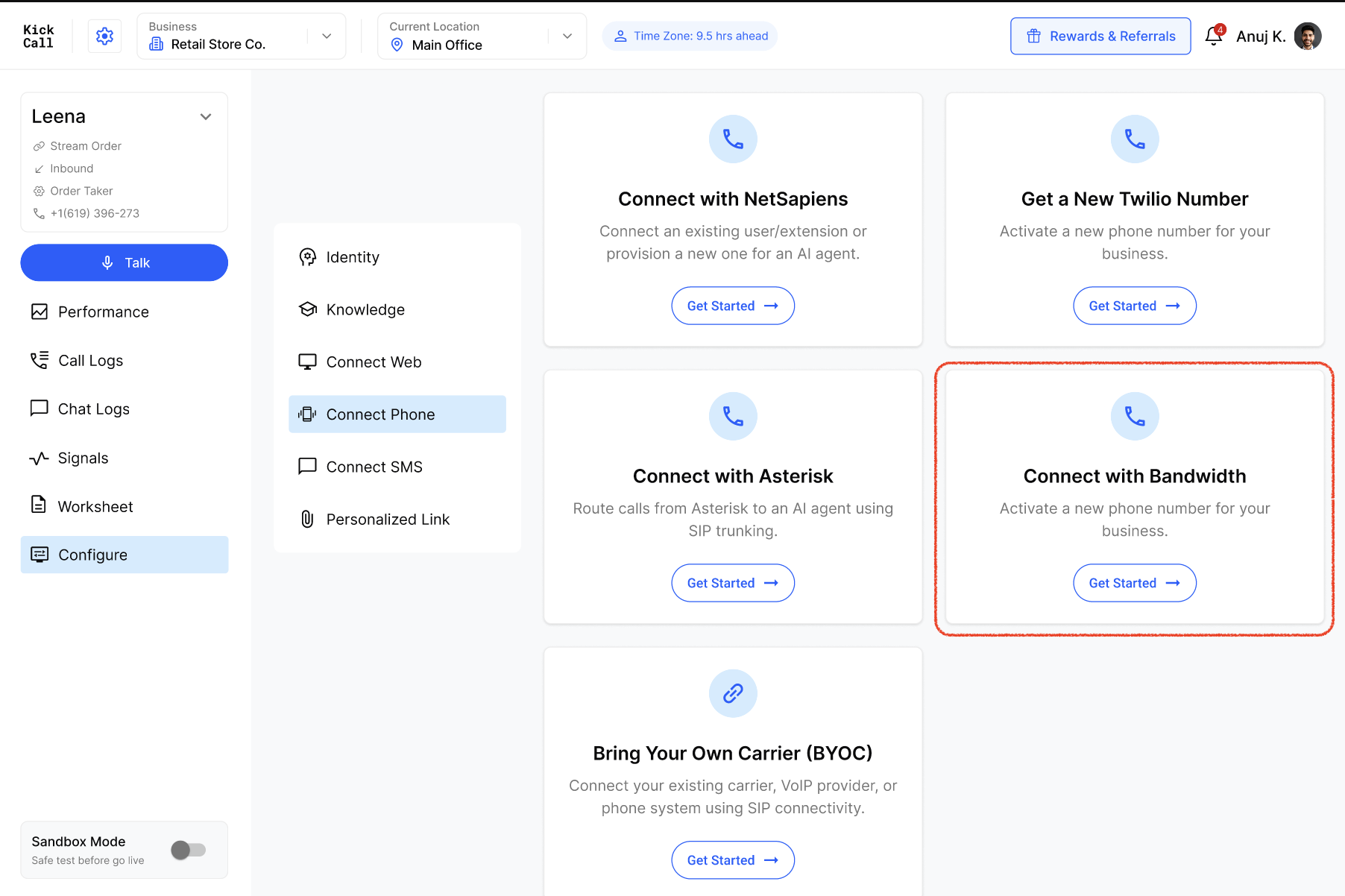
Choose a State Code, or enter an area code, to narrow the results.
Click Show Number to see available numbers for that region.
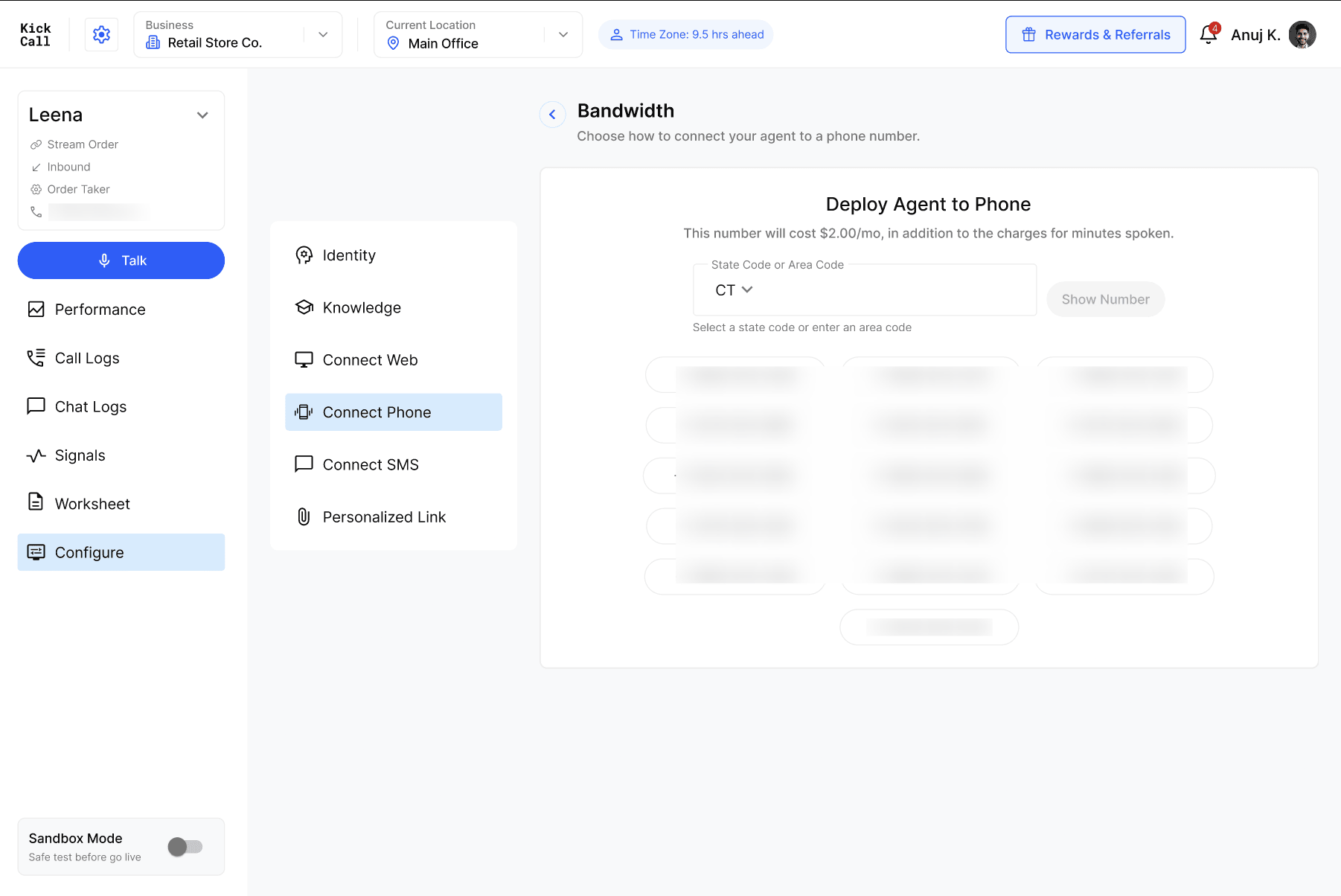
Select any number from the list to activate it.
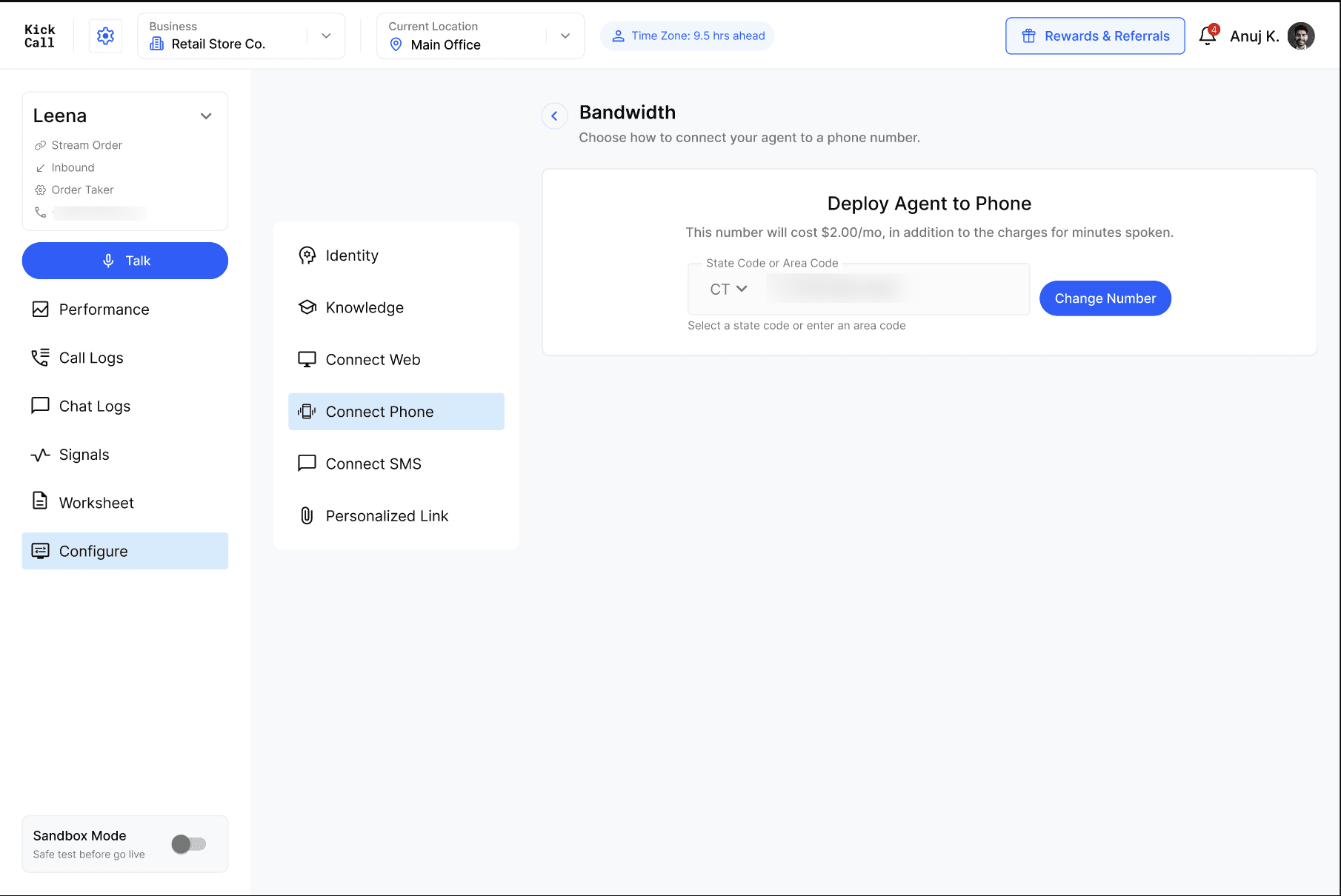
Number cost. Each number costs a small monthly fee, in addition to per-minute usage charges. The exact cost is shown before you confirm your selection.
Changed your mind? You can select a different number at any time before or after activation using the Change Number button.
Step 2 — Choose how you'll use it
Once your number is active, there are two common ways to put it to work:
Use it directly — give this number out as your agent's direct line — on your website, ads, or business cards. Every call to it goes straight to your agent.
Forward calls from your existing number — keep your current business number or PBX extension exactly as it is, and forward its calls to your new Kickcall number. Your customers keep dialing the number they already know; your phone system quietly routes those calls to your agent behind the scenes. Most phone systems support this as a standard call-forwarding or extension rule — the same way you'd forward calls to a colleague or a voicemail line.
Which to pick. If you're setting up a brand-new line for your agent, use it directly. If you already have a business number your customers call, forwarding is usually the better choice — nothing changes from your customers' side.